Logsift
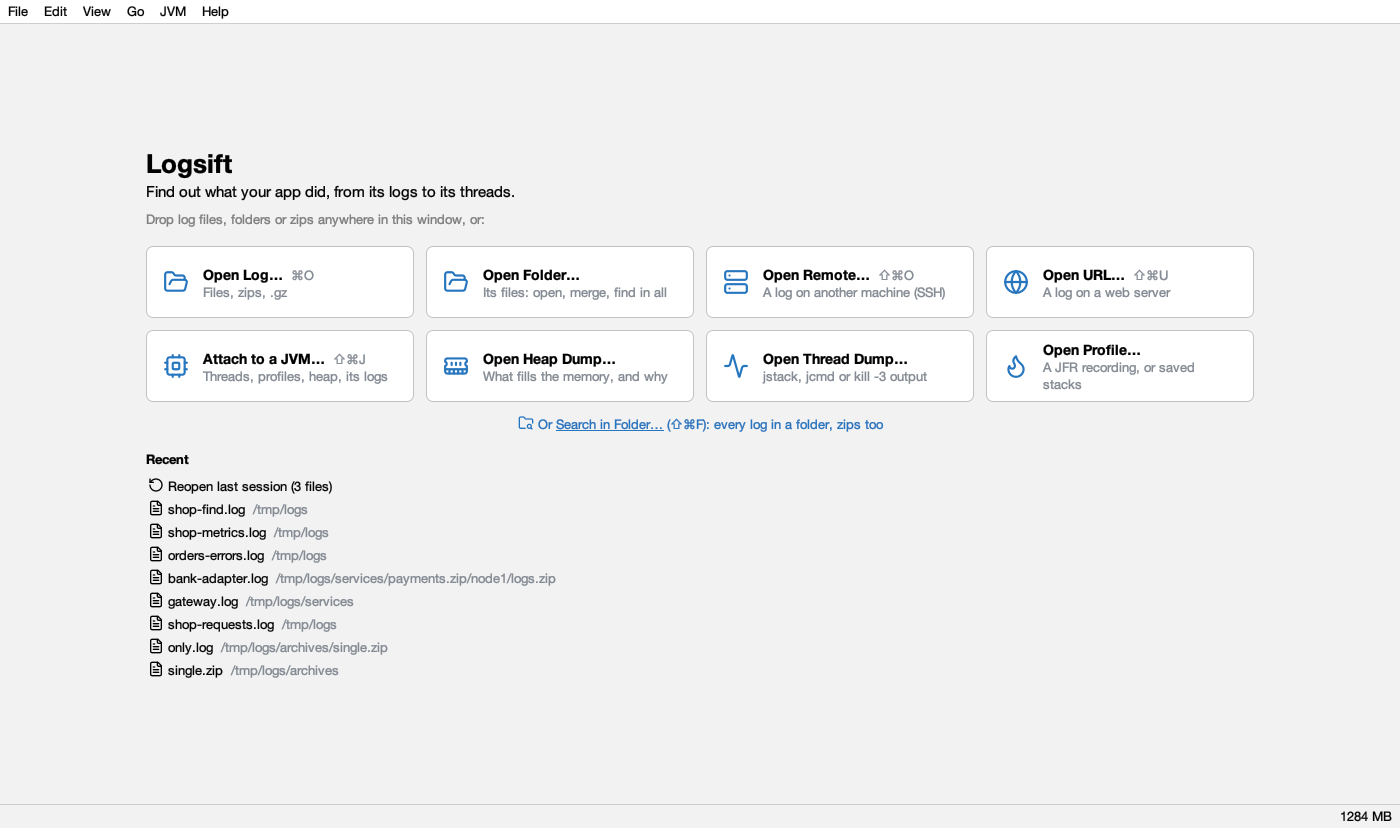
Find out what your app did, from its logs to its threads. Logsift opens gigabytes of logs instantly, tails them live and points out errors, bursts and restarts. Follow one request through every log, see exceptions grouped by cause, and go deeper: it explains Java and Python thread dumps and profiles running JVMs. Windows, macOS and Linux.
Features
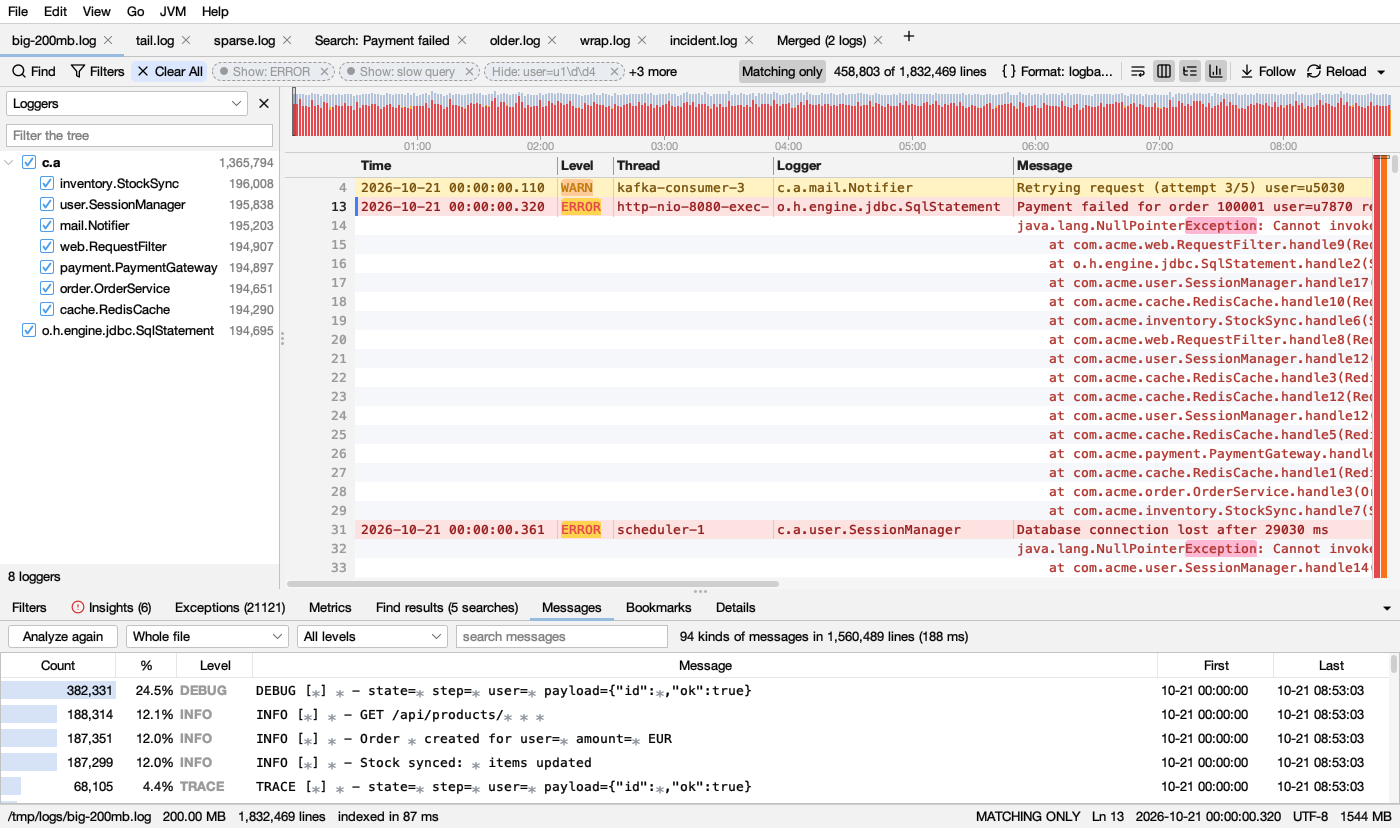
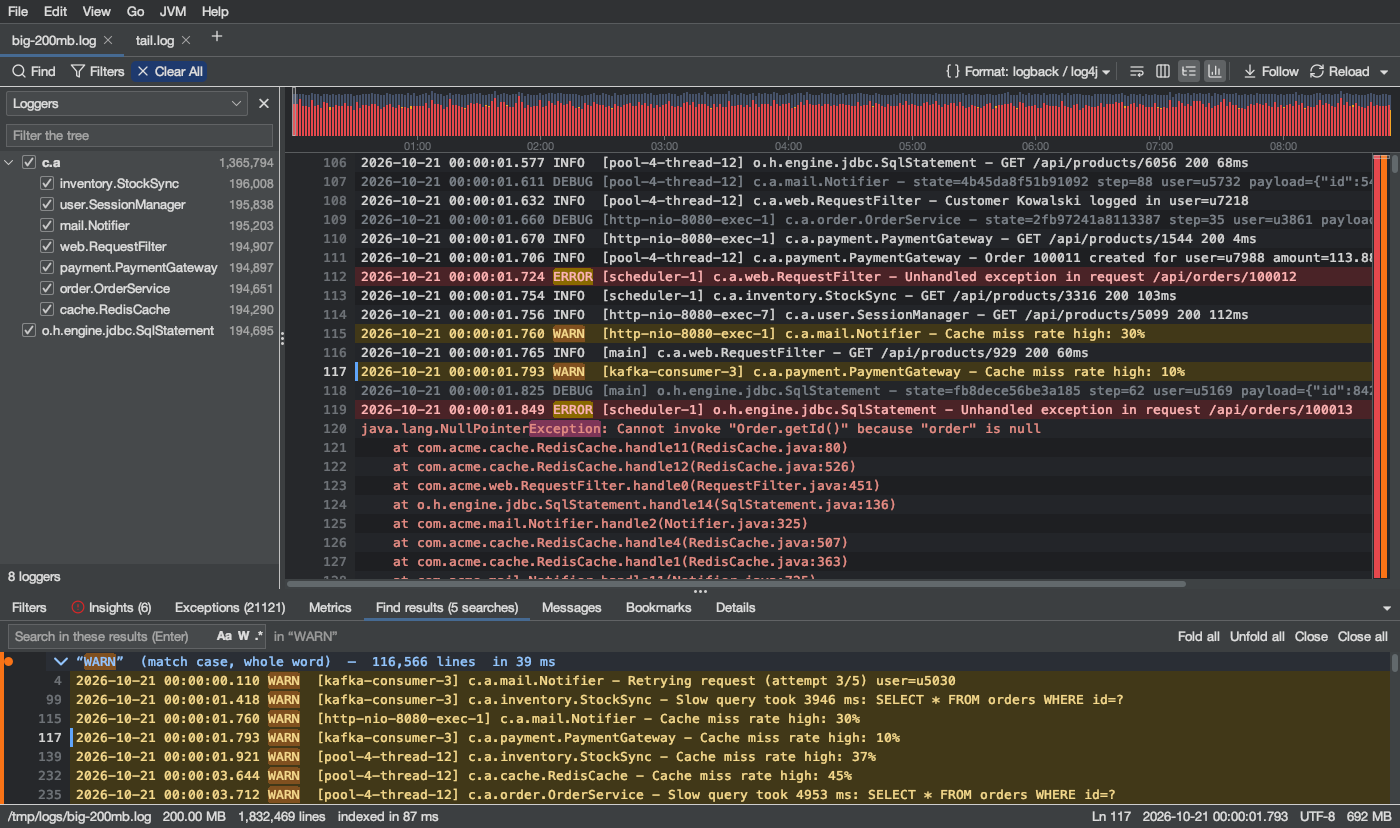
- Huge files, instantlyA 1 GB log shows its first lines in 0.12 s and is fully indexed in 0.26 s.
- Live tailFollow growing logs through rotation and truncation, or reload by hand.
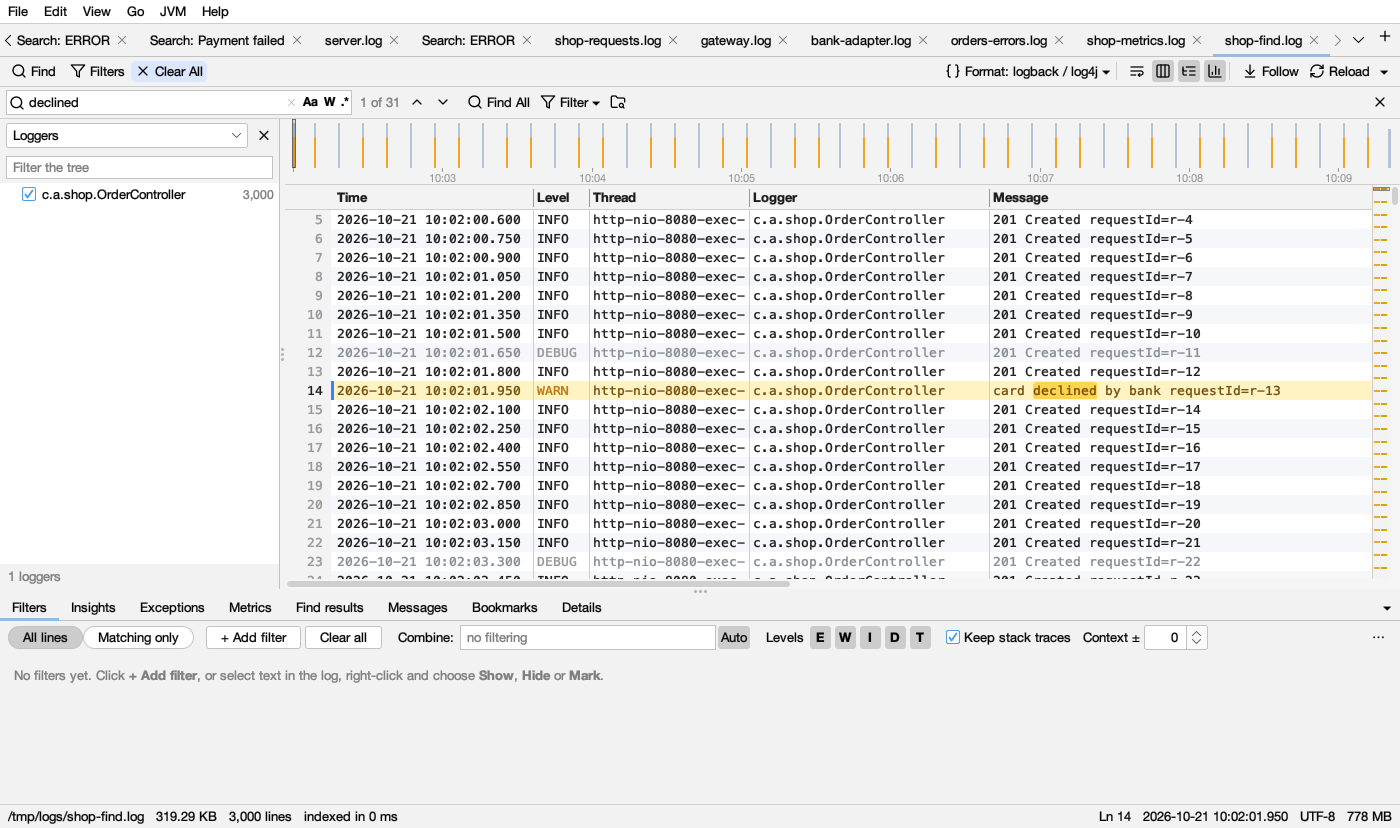
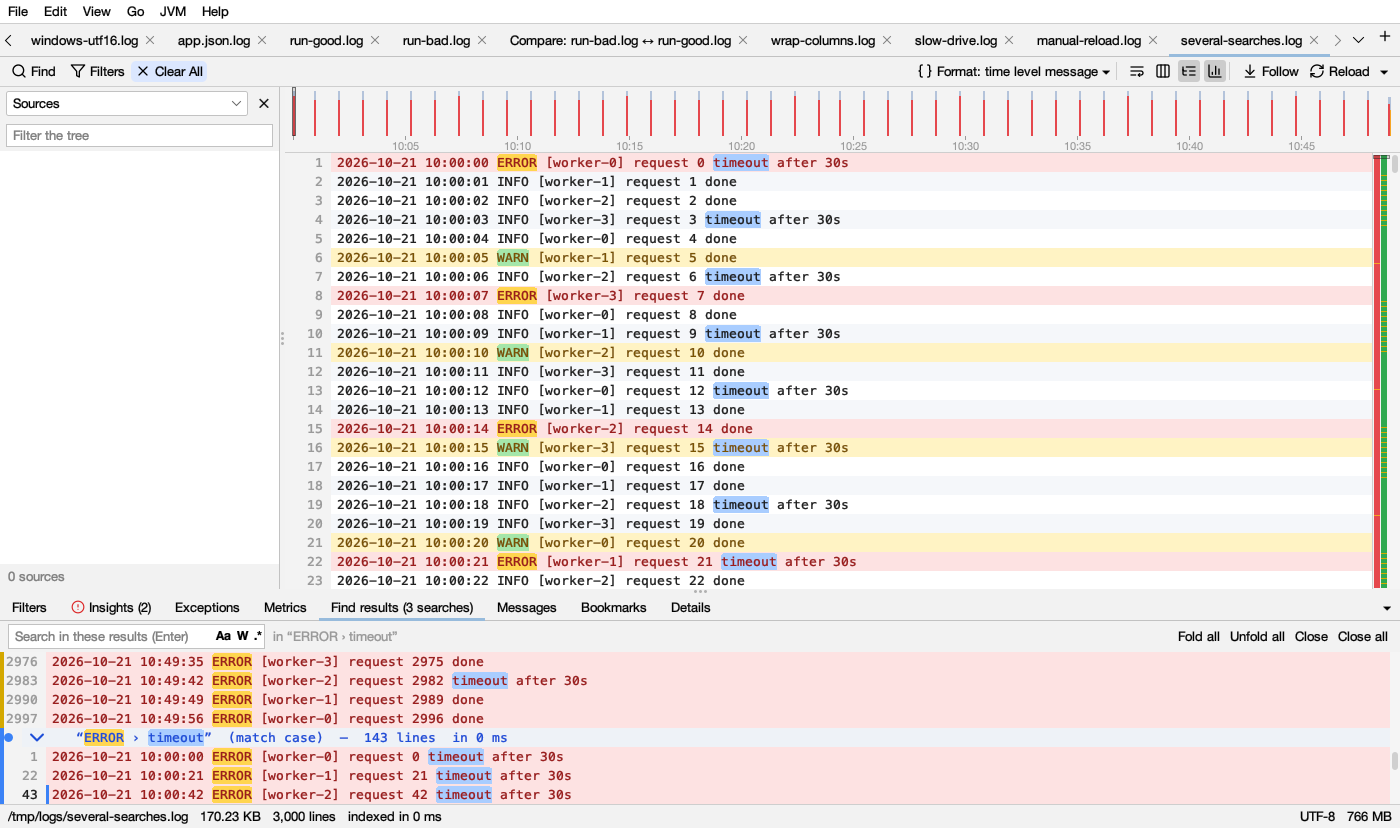
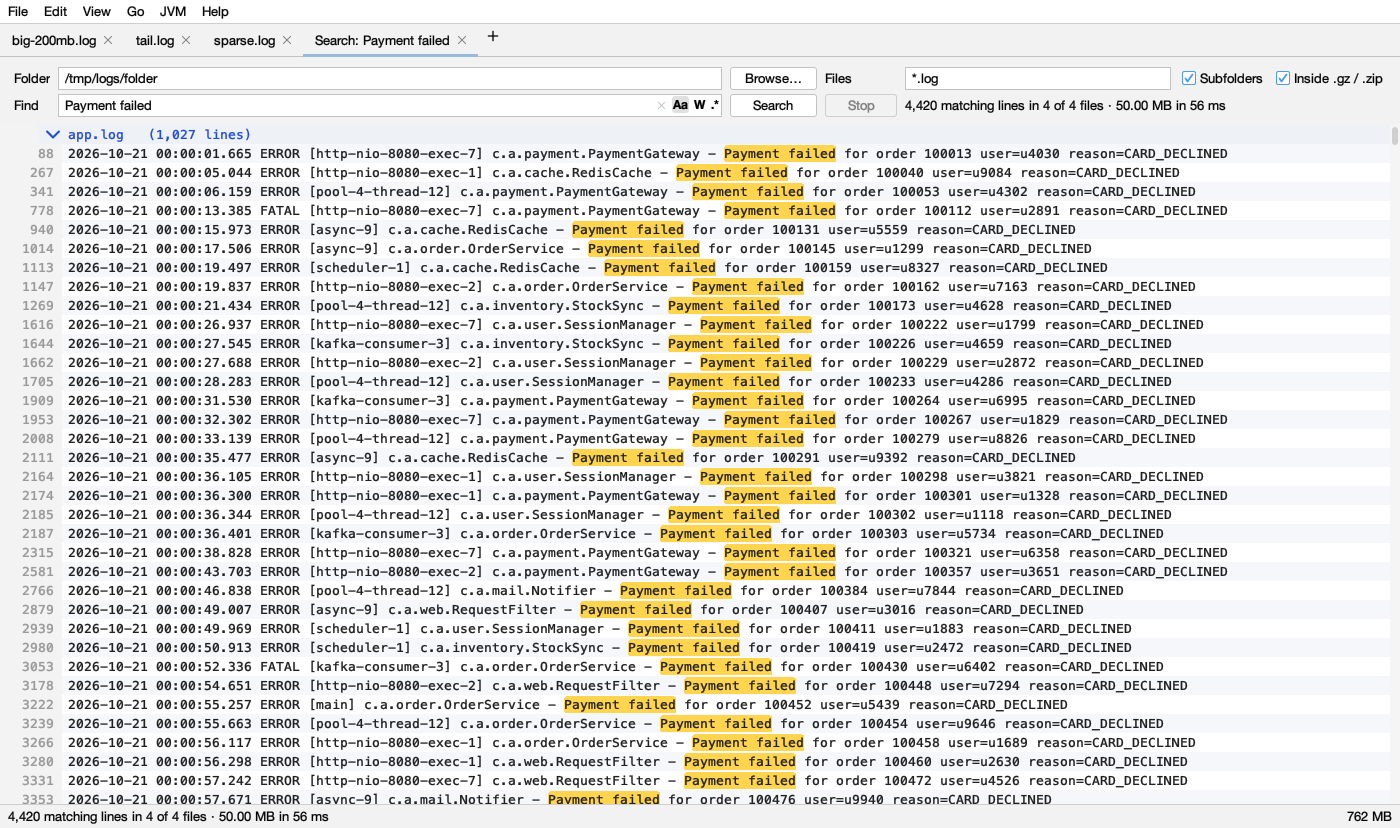
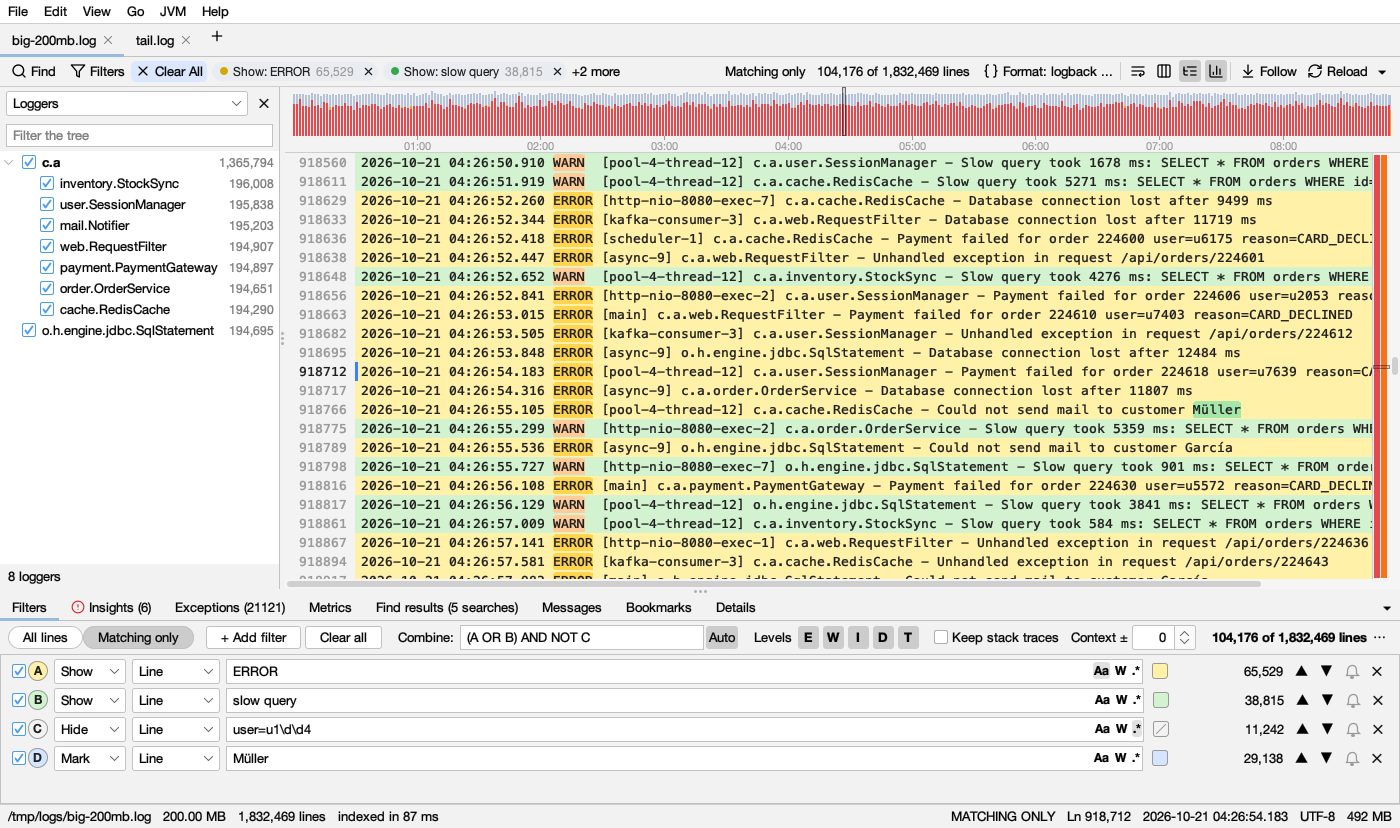
- Find AllRun several searches at once, each in its own color, and search within the results.
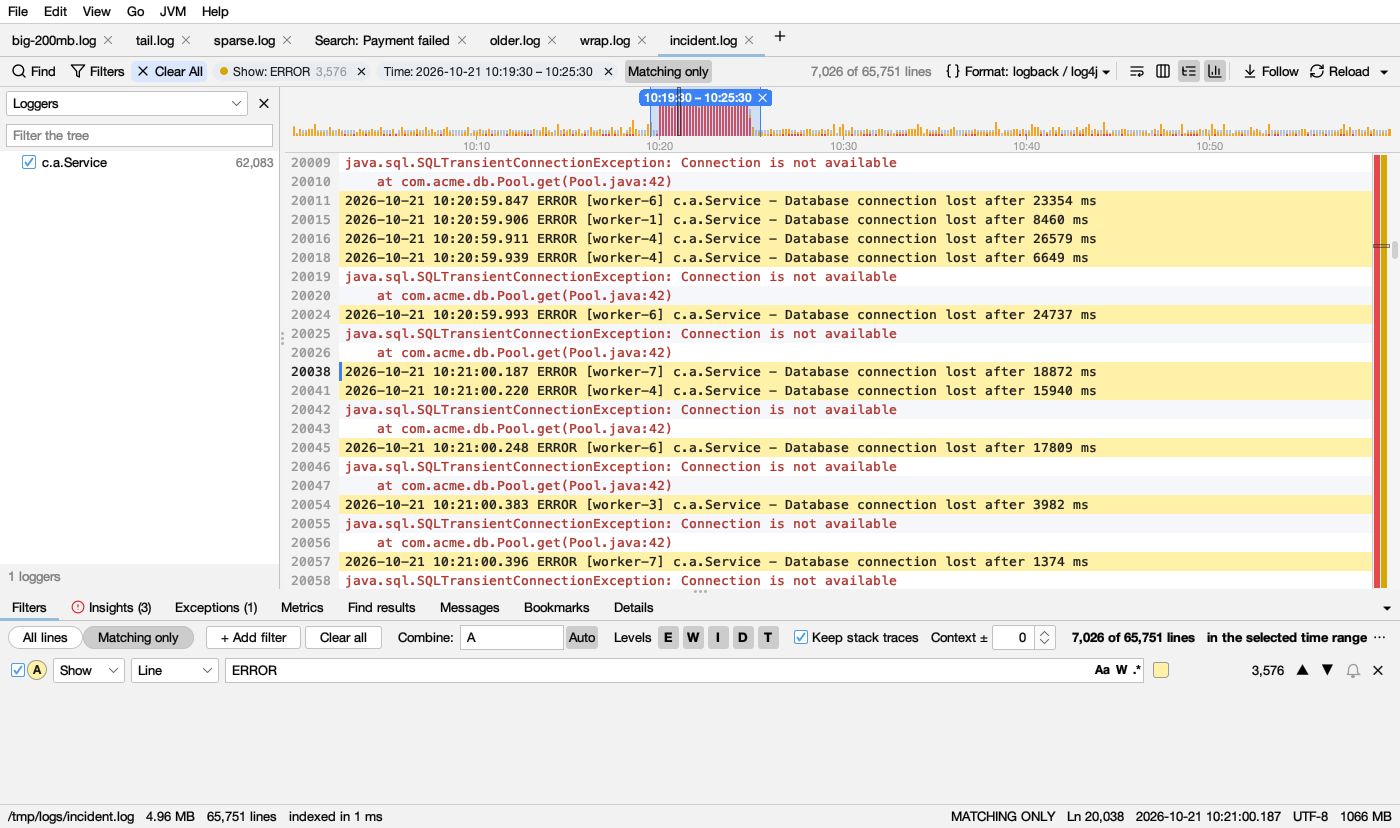
- FiltersShow, hide or mark lines, combined with AND, OR and NOT. Filter by level and time range.
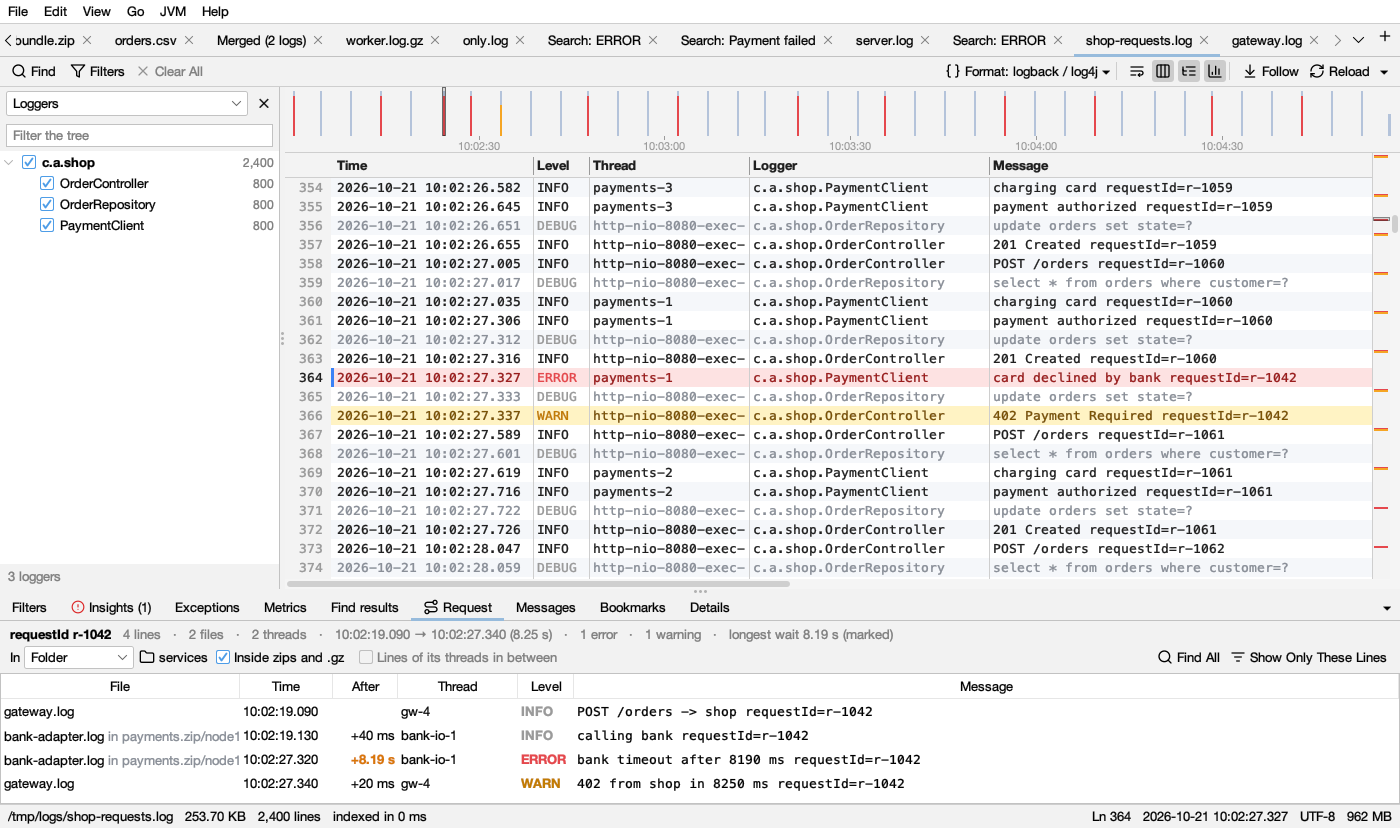
- TimelineSee error bursts at a glance and select a time range to zoom in.
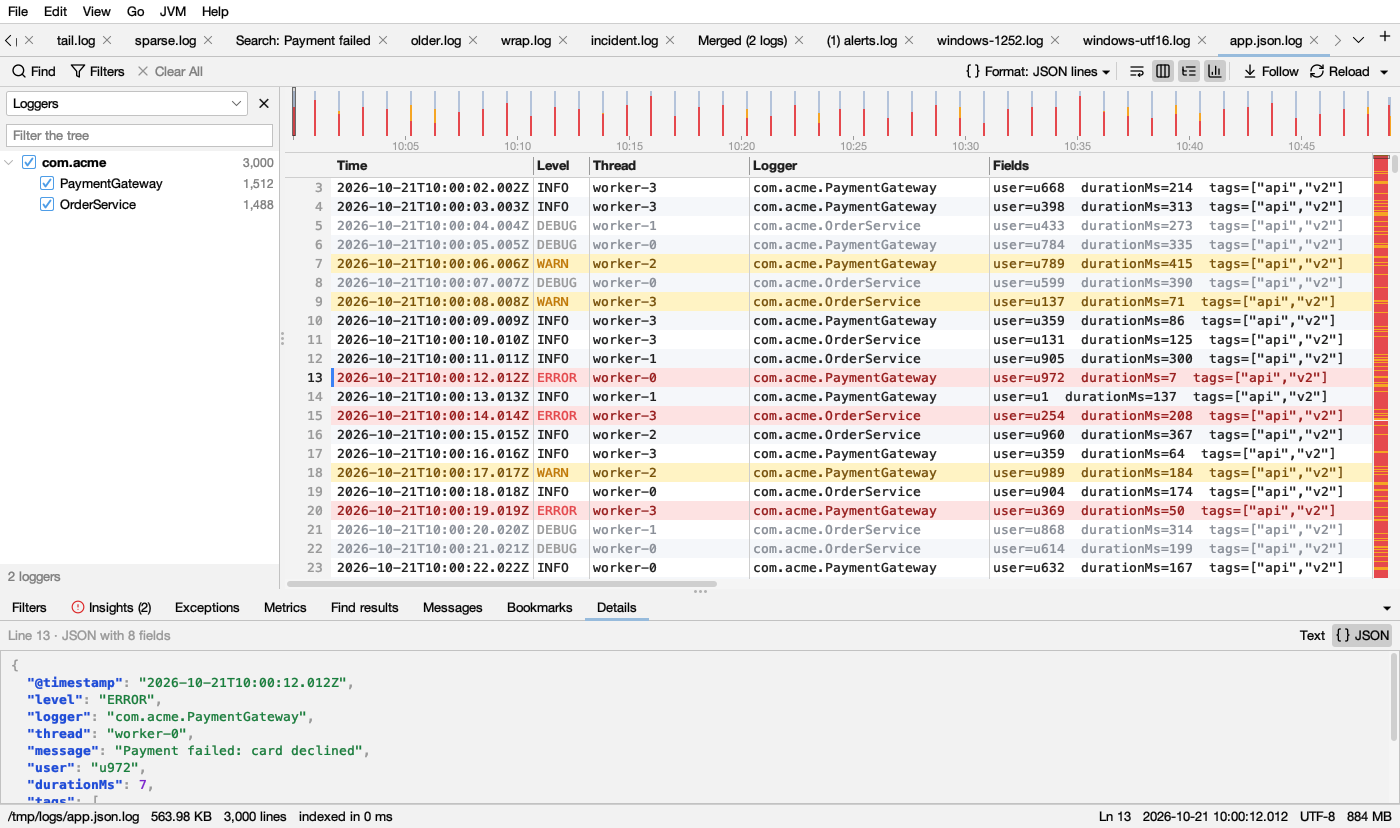
- Columns, JSON and CSVTime, level, thread, logger and message are parsed automatically. JSON logs and CSV files work too.
- Folder searchSearch whole folders in parallel, including inside .gz and .zip files (zips inside zips too).
- Zips and the webOpen a .zip to pick its files or search them all; open logs from web addresses, or download several and search them together.
- Follow a requestRight-click a trace or request ID: its lines in order across threads, open logs or a whole folder (zips too), with the longest wait marked.
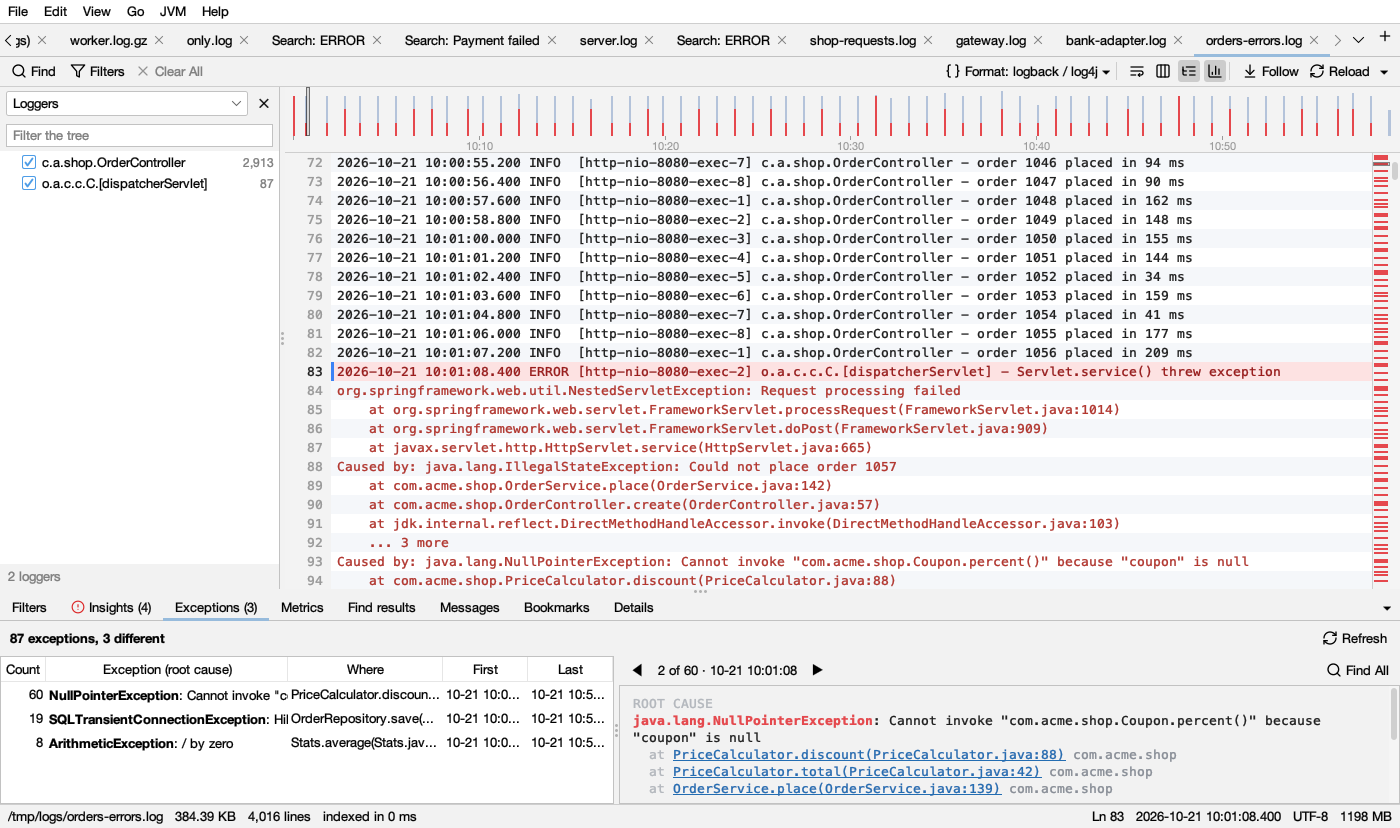
- Exceptions by root causeJava and Python stacks grouped by what went wrong and where in your code; click a frame to open it in your editor.
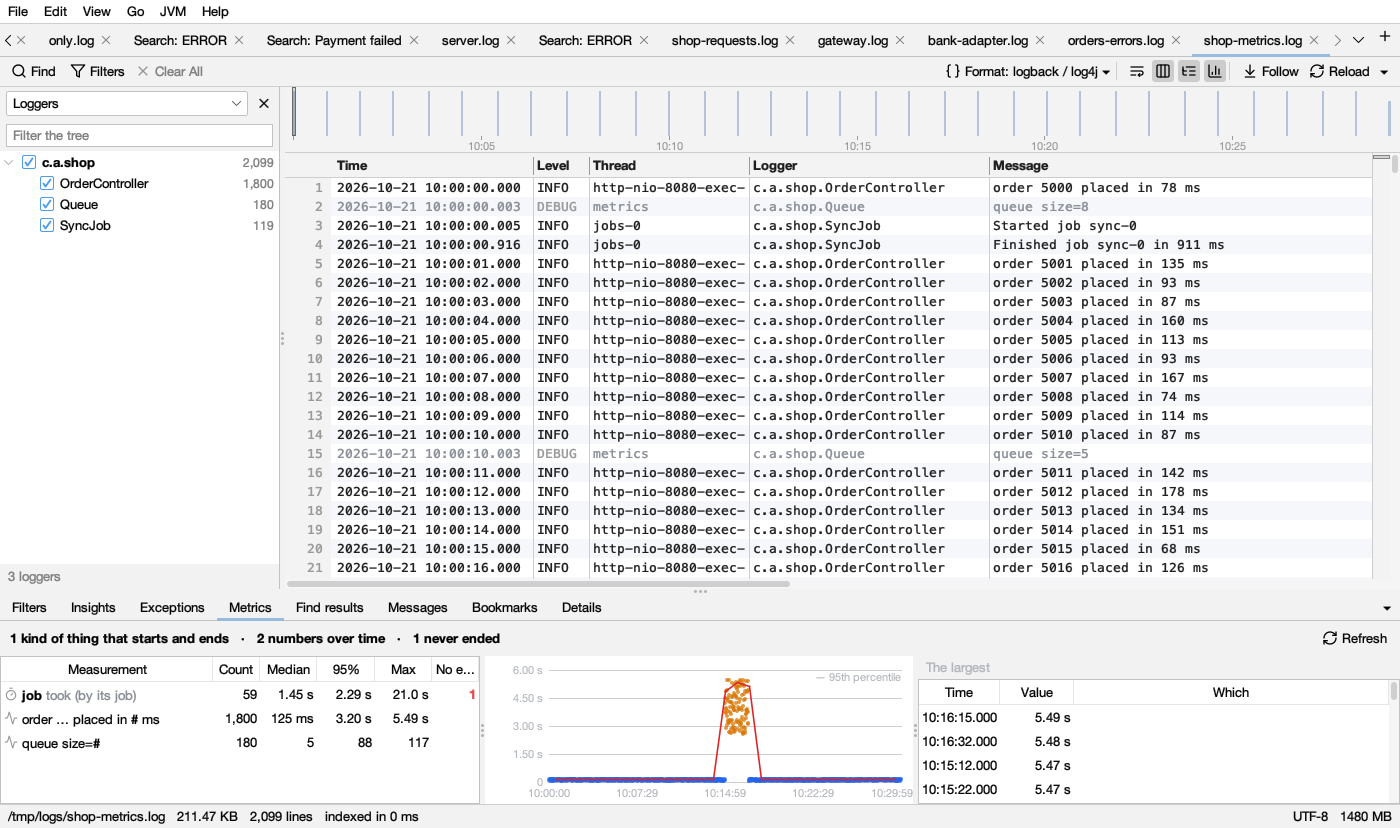
- Metrics from messagesHow long jobs and requests took, which never ended, and the numbers messages report, charted over time.
- Known problemsExhausted connection pools, out of memory, worker timeouts and more, pointed out with what to try.
- Remote logsBrowse a server over SSH/SFTP and follow its logs live.
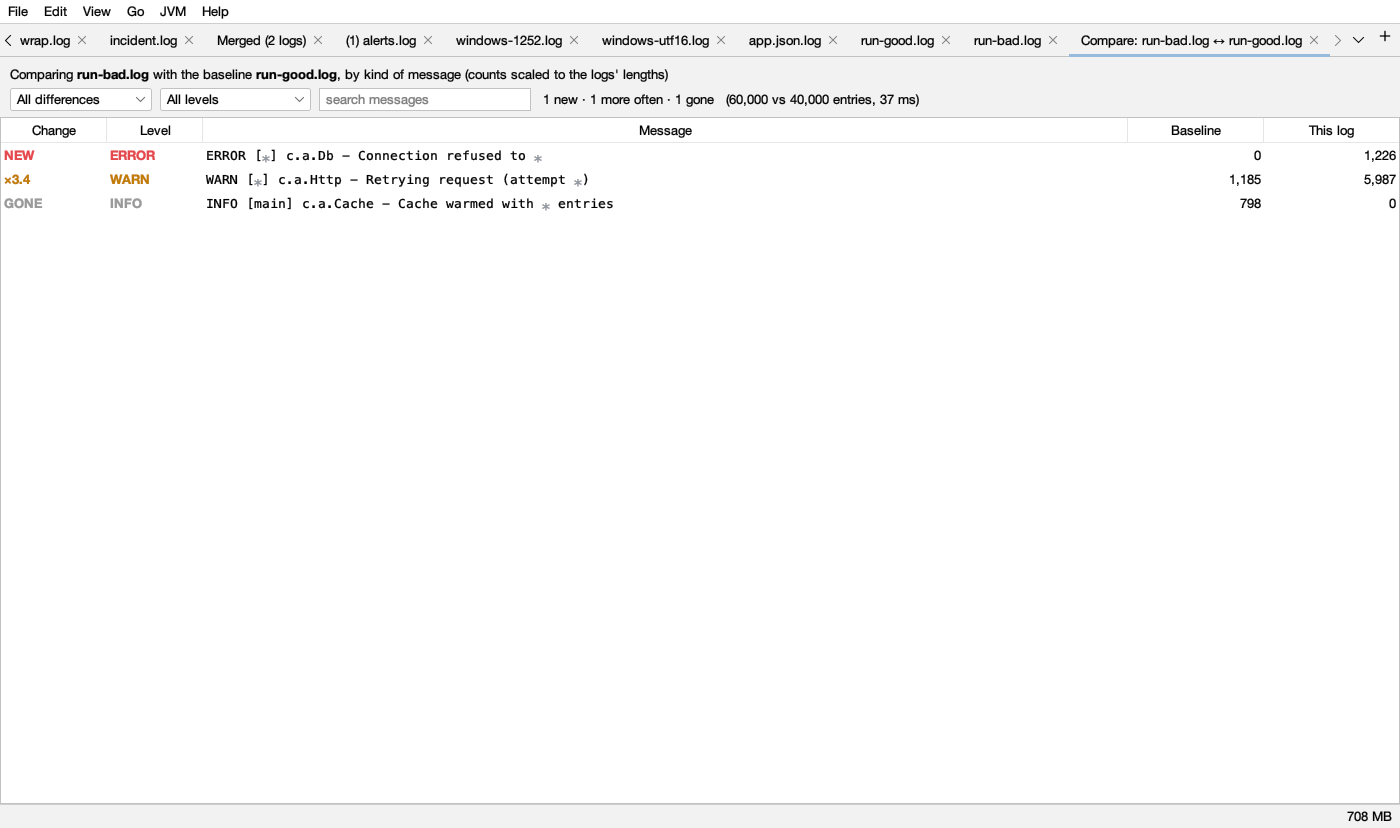
- AnalyzeSee top messages, compare a bad run with a good one, and merge logs by time.
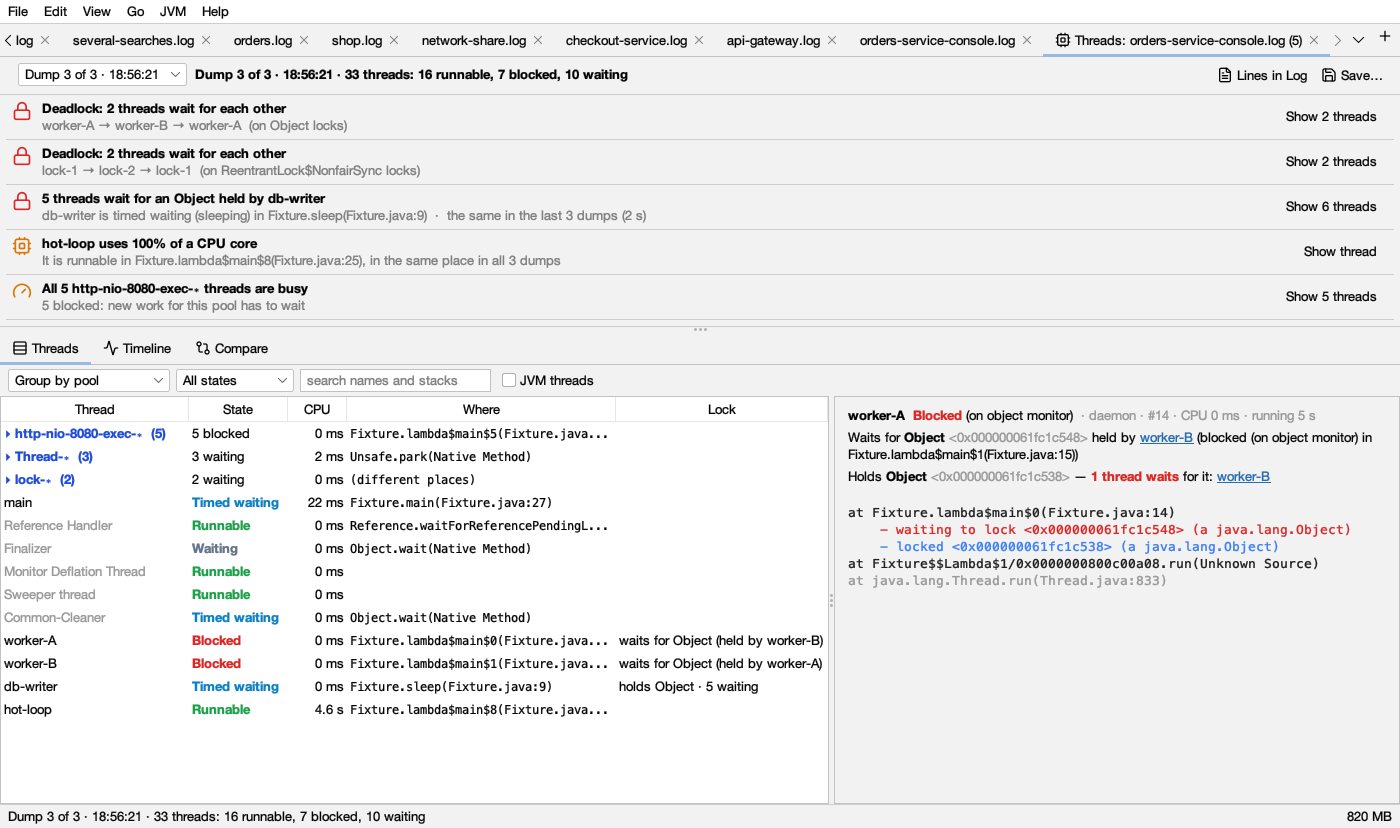
- Java and Python threadsOpen thread dumps (also py-spy and faulthandler) or attach to a running JVM, also over SSH or a JMX port: deadlocks, lock queues and stuck threads, pointed out.
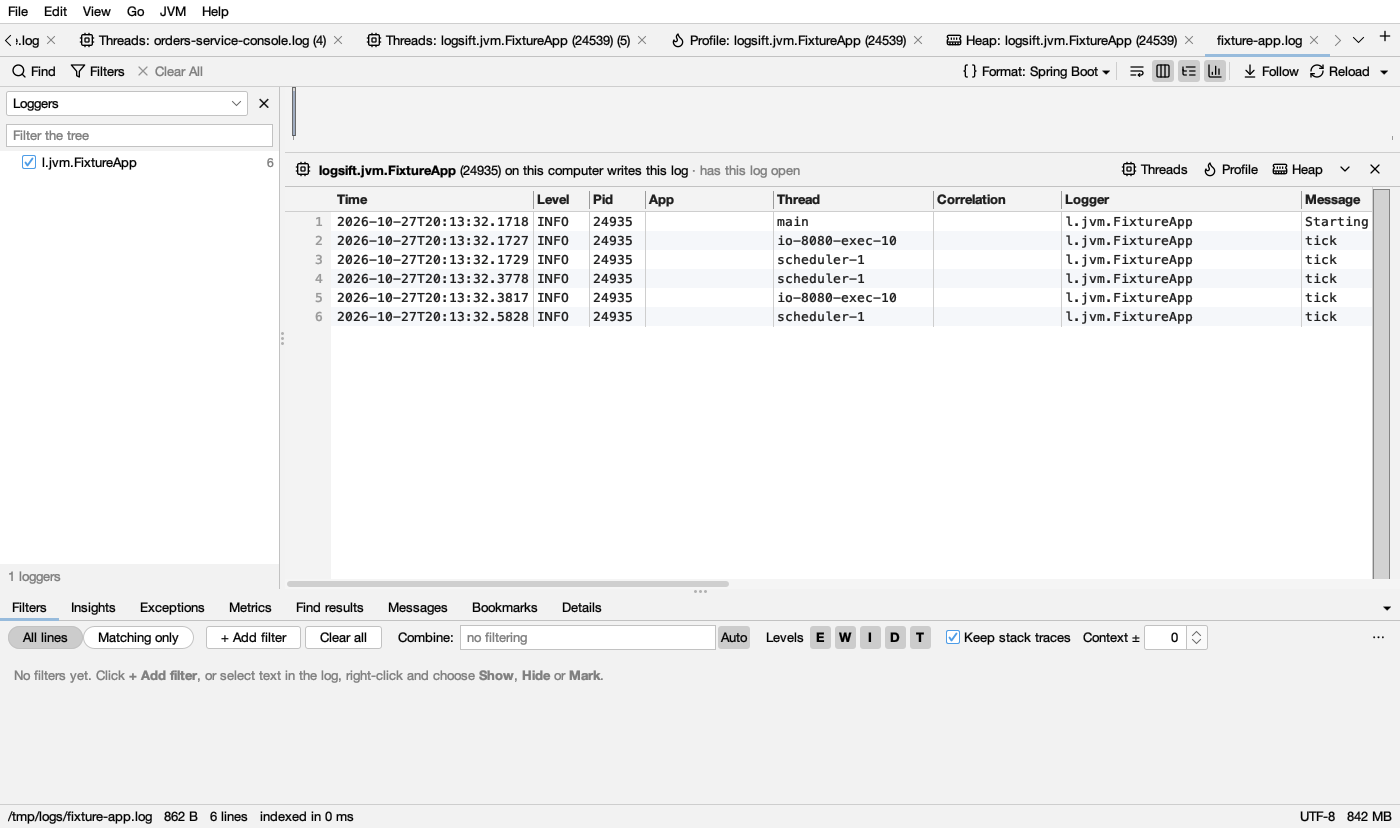
- A log knows its JVMLogsift names the JVM writing a log, with its threads, profile and heap a click away. A line's thread opens its stack; a thread shows its lines.
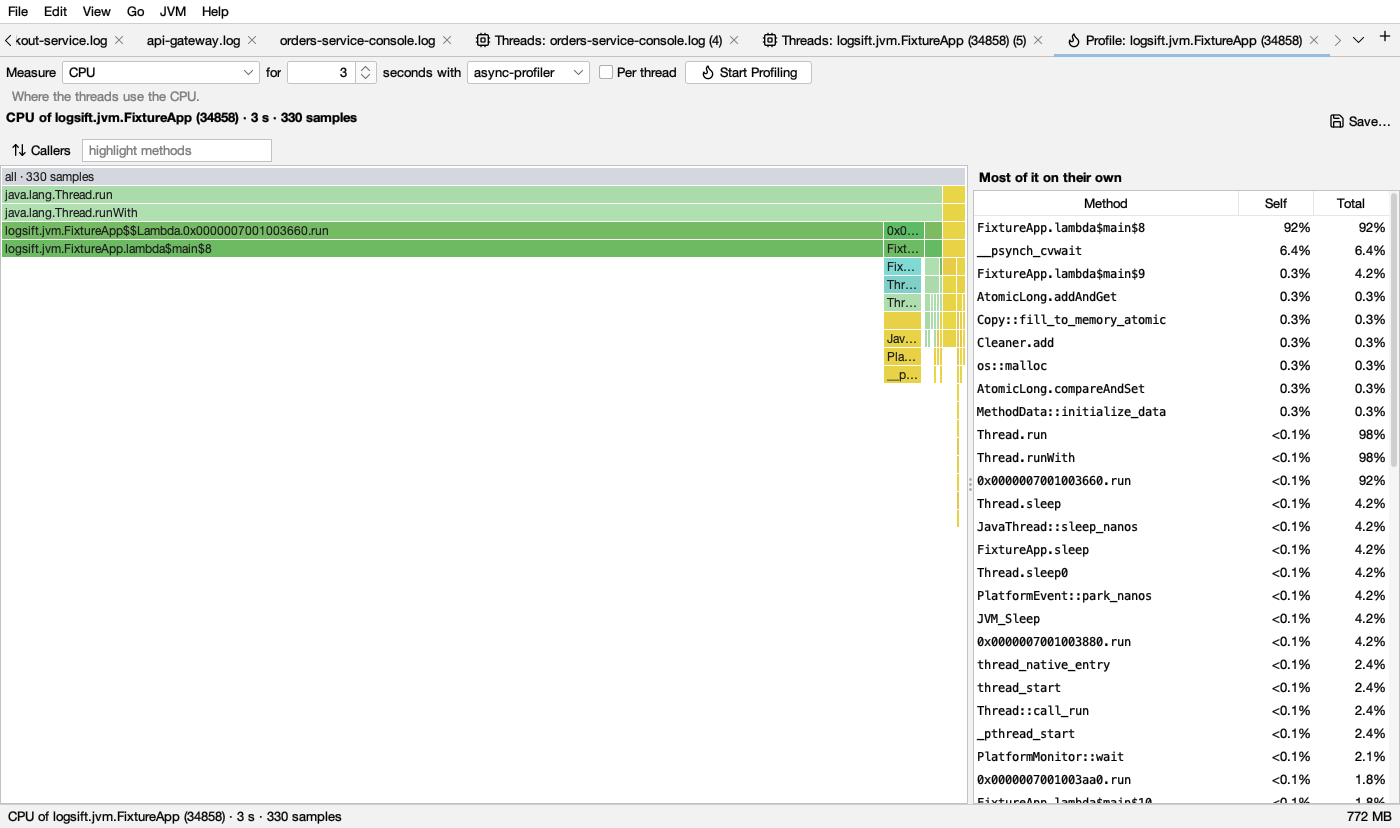
- Profiling and memoryFlame graphs of CPU, allocations, memory leaks, locks, native memory and slow method calls; compare runs; what fills the heap and what grows.
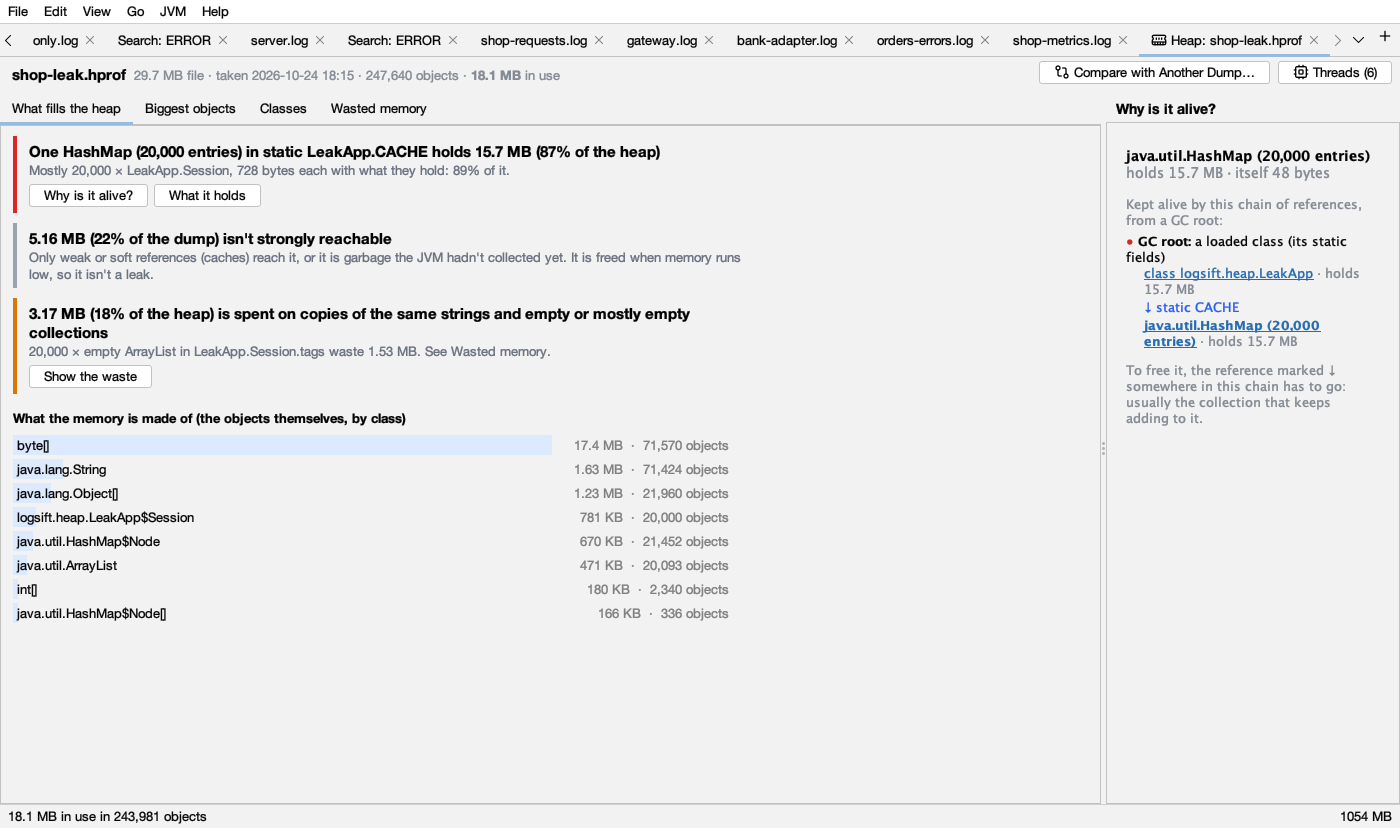
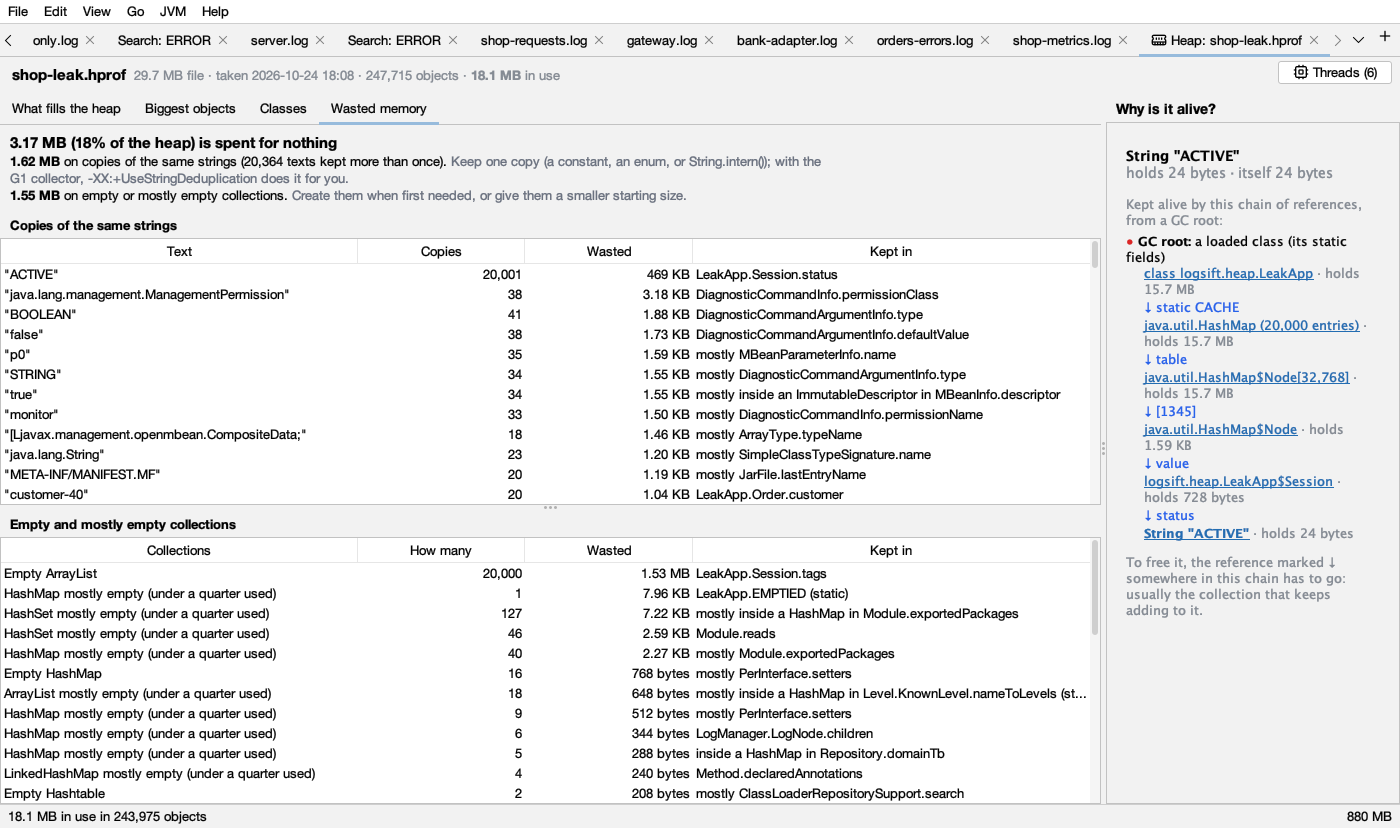
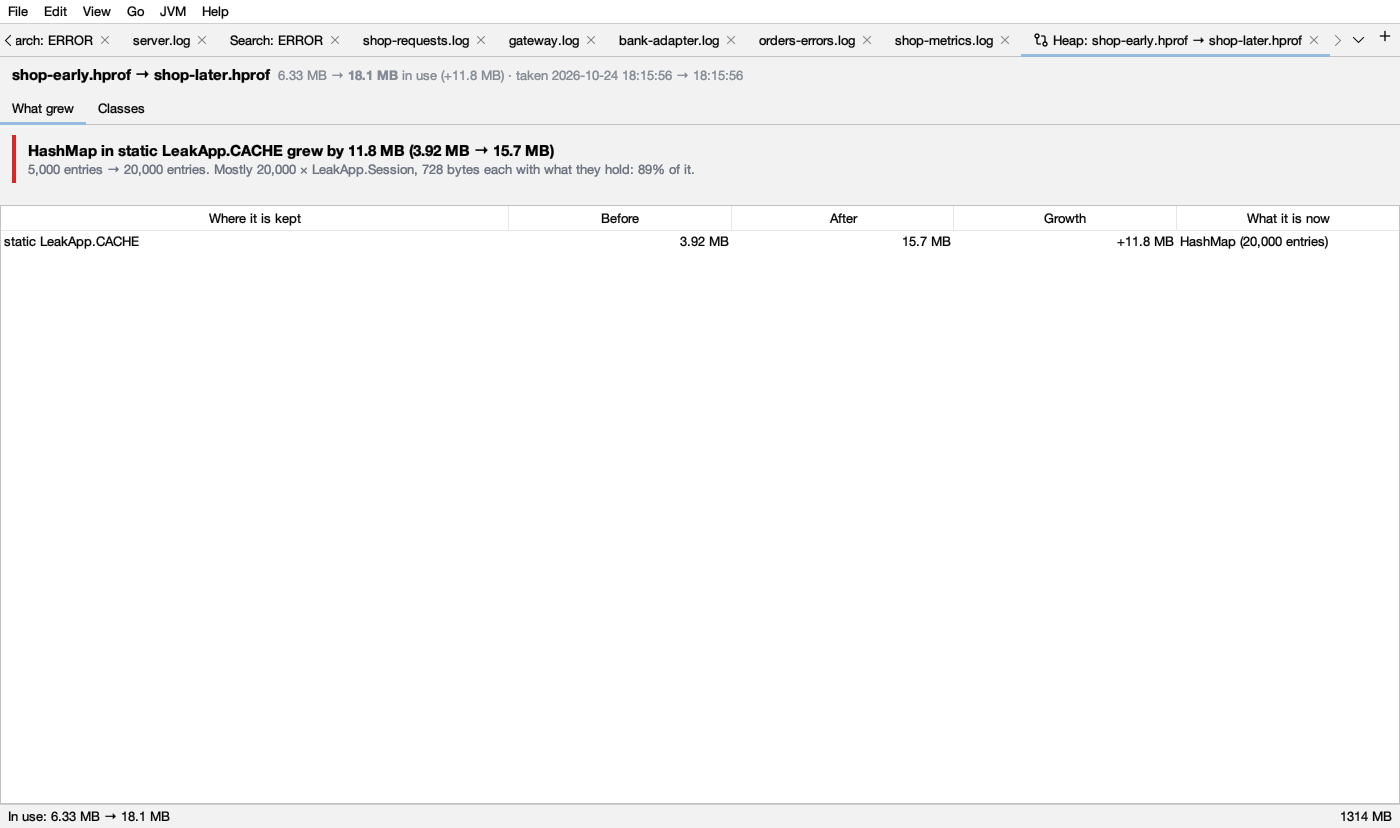
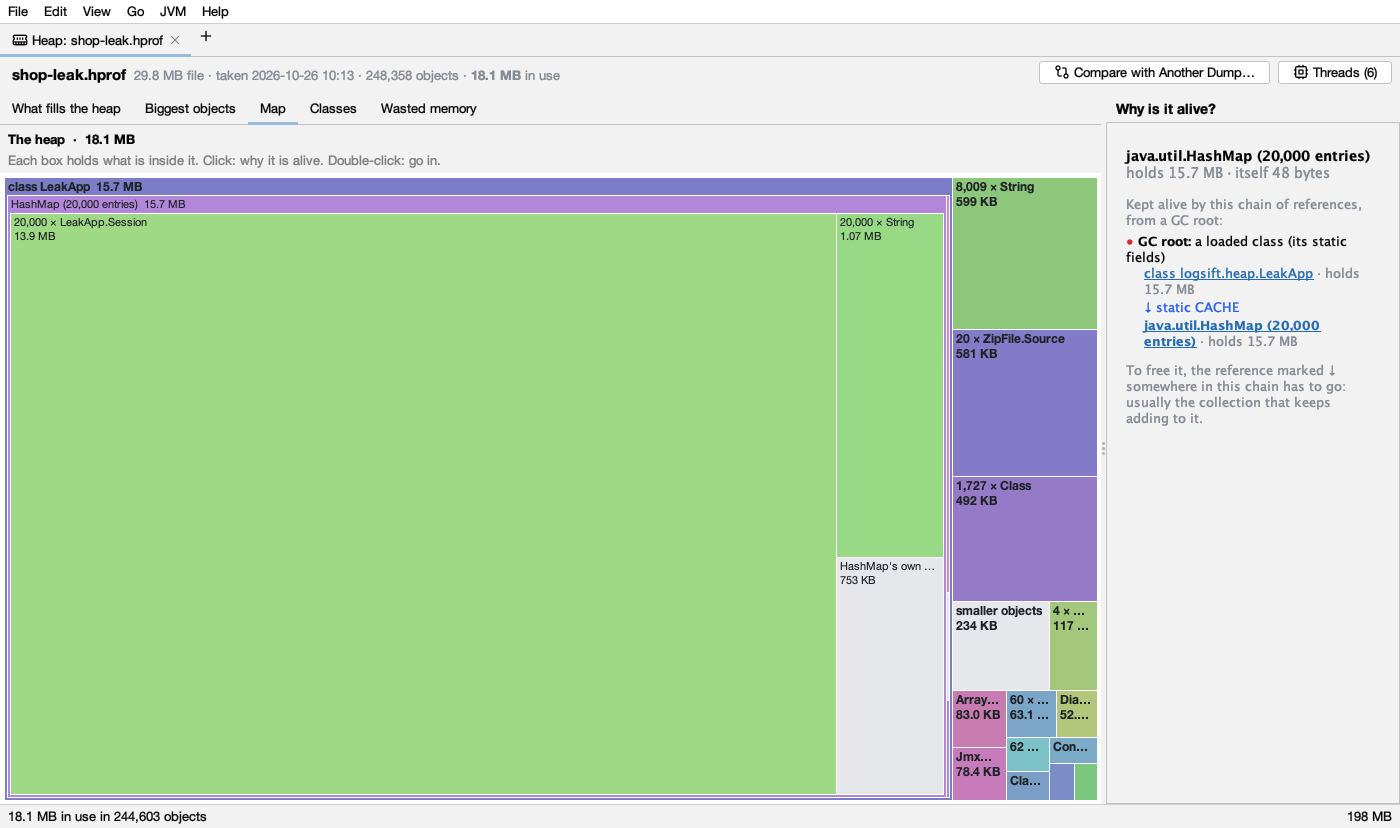
- Heap dumps, explainedOpen a .hprof and read what fills the memory in plain sentences, the chain of references that keeps any object alive, the memory spent on copies of strings and empty collections, a map of the whole heap, and its threads. Compare two dumps to see what grew. An OutOfMemoryError in a log opens its dump. Dumps of tens of GB open with 2 GB of memory, their index on disk.
Screenshots